Category Archives: Tips and Techniques

Tips, tricks, and how-tos on working with Tableau

A Tableau Wiki

I began keeping notes in a Word document when I started using Tableau – links to Tableau forum posts, blog posts, some screenshots, etc. Once it got past 30 pages, I started thinking about putting it online. Once it got over 50 pages, it became unmanageable except to fire up Word, press Ctrl+F to search, and look up what I’d entered. I’d shared the doc with a few people and they suggested putting it online, and so that got queued up. I’ve been down with a cold the last couple of days and not able to do anything requiring too much brainpower, so copying and doing some light reformatting was a perfect task…  Continue reading

Stacked Bars and Lines

Bars and Lines

This is a post about getting the output you want, despite what Tableau thinks.
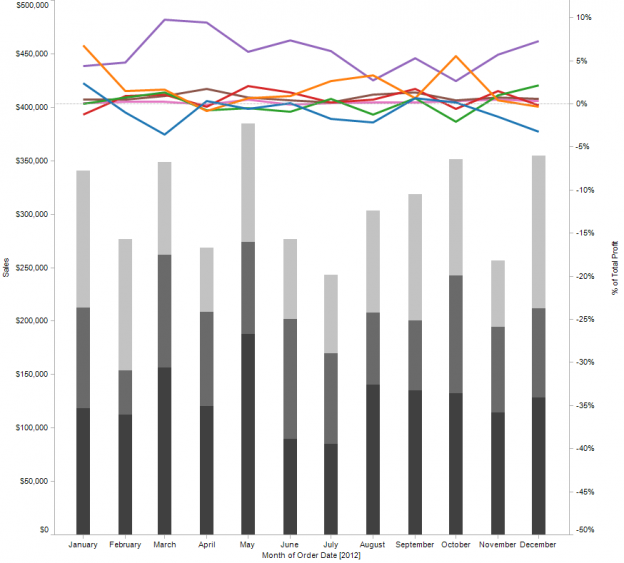
This is a post about making Tableau do what Excel can do (whether it’s a good idea or not).
This is a post about gaining better understanding of dimensions, measures, continuous, and discrete.
This is a post about putting bars and lines on the same chart. Continue reading

Blending Secondary Data into Primary Without Linking Data In Primary

Tableau is a Swiss army knife for data visualization, with a bunch of component tools – the view types, calculated fields, table calculations, custom SQL, mapping, performance optimization, etc. As I’ve been learning Tableau I’ve been mastering new bits. Lately I’ve been exploring Tableau’s Show Missing Values feature, otherwise known as “date padding” or sometimes “domain padding”, and made an interesting discovery. Continue reading

Partitioning by Table Calculations

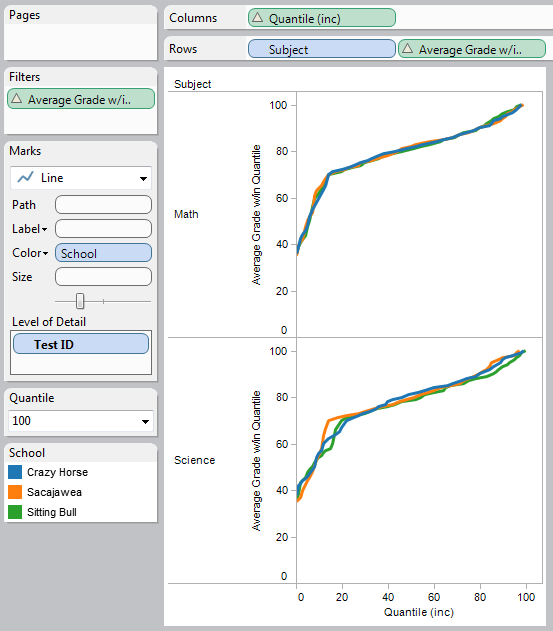
Here’s a issue on the Tableau forums that shows up at least once per month or so: someone has a data set that they want to compute a measure over, and the measure requires table calculations. Then they want to use the results of those calculations as a discrete value for partitioning other calculations. For example, given a set of student grades, compute each student’s percentile, then show the average of each percentile in the same view. Or a similar idea, only the percentile is based on sum of sales, and you want to show the top 10% and bottom 10% of sales. Continue reading

Older But Still Useful – Conditional Formatting

Back in May of this year before I started this blog, I did a presentation at the Boston Tableau User Group on conditional formatting in Tableau. Prior to using Tableau, I’d created some dashboards and reports in Excel, and when I tried to re-create them in Tableau I ran into a number of different issues in terms of doing the kinds of formatting, layout, and conditional formatting that are possible in Excel. I created a workbook with every technique I could find and some I figured out. Continue reading